
You delete your account yourself; you don't have to ask us. It happens at once and can't be undone.
Steps
Go to Delete account:
as a barber: open Profile, at the bottom;
as an owner: open Settings, at the bottom of the third tab;
or go straight to coupehub.nl/en/account.
Read what goes. If you're the only owner and want to keep your shop's data, download it first with Download everything.
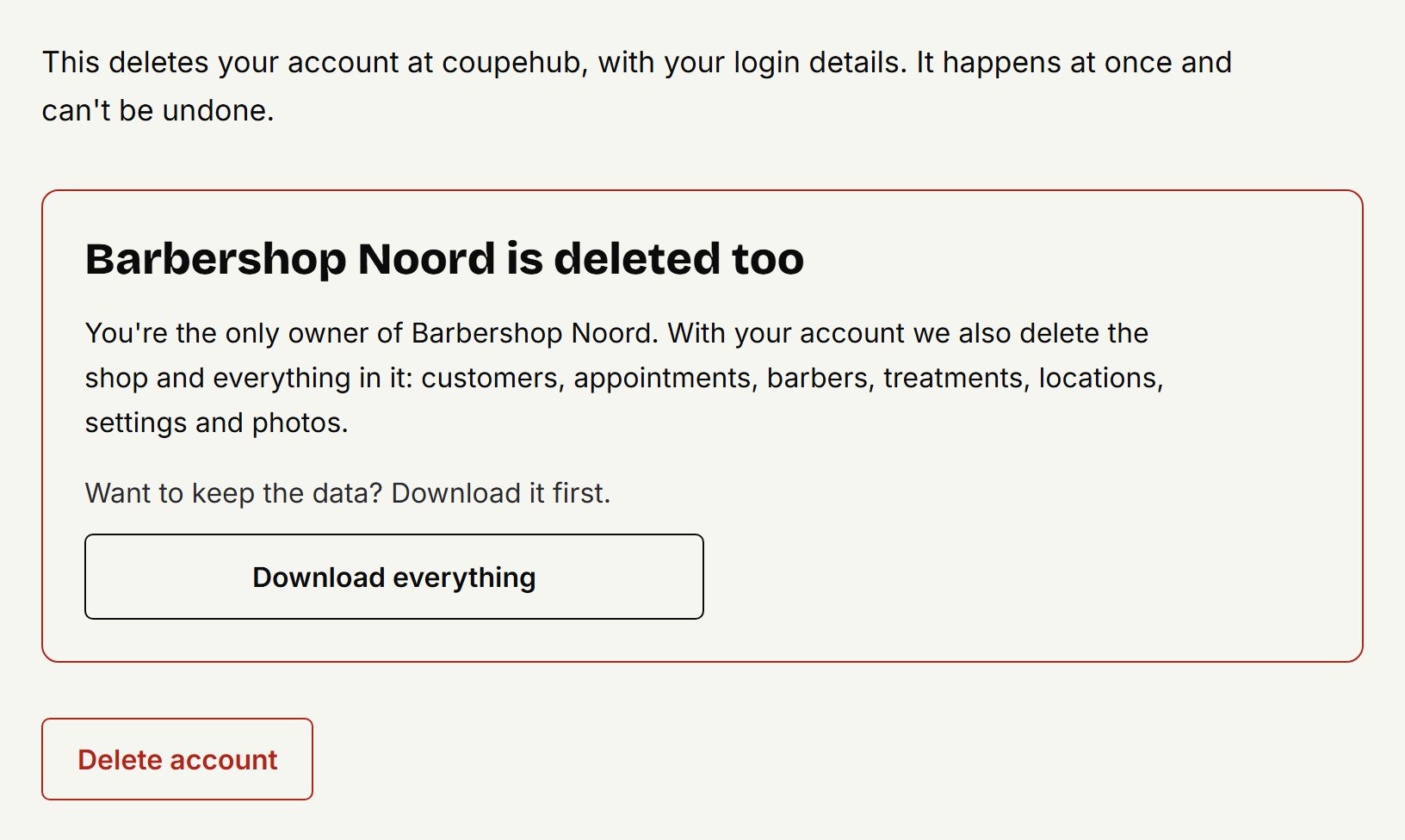
Click Delete account.
Read what goes and what stays, tick the box and click Delete permanently.
If you signed in more than a day ago, you first sign in again with Sign in again.
What happens
Your account goes at once, and you get an email to confirm it.
A barber, or an owner beside another owner: only your account goes. Your barber profile and your appointments stay with the shop; ask the shop if you want them gone.
The only owner: your shop goes with it, with all its customers, appointments, barbers, treatments, locations and photos. That takes up to a day; you get an email when it's done. The barbers keep their accounts, without access to your shop.
A few details without any customers' data, such as your shop's name and the proof of the data processing agreement, we keep for some years as proof. Everything deleted stays in our backups for at most 7 more days. Exactly what and for how long is on coupehub.nl/en/delete-account.
Deleting only your shop
Your shop goes with the account of its only owner. If you want your shop gone but your account kept, email us.
Updated on November 16, 2026
Did this help?