
You're responsible for your customers' data; coupehub processes it for you, only to make coupehub work for you. What we agree on about that is in the data processing agreement. You accepted it when you created your shop.
Steps
Open Settings, Online booking.
Under Data processing agreement you see when you accepted it, and which version.
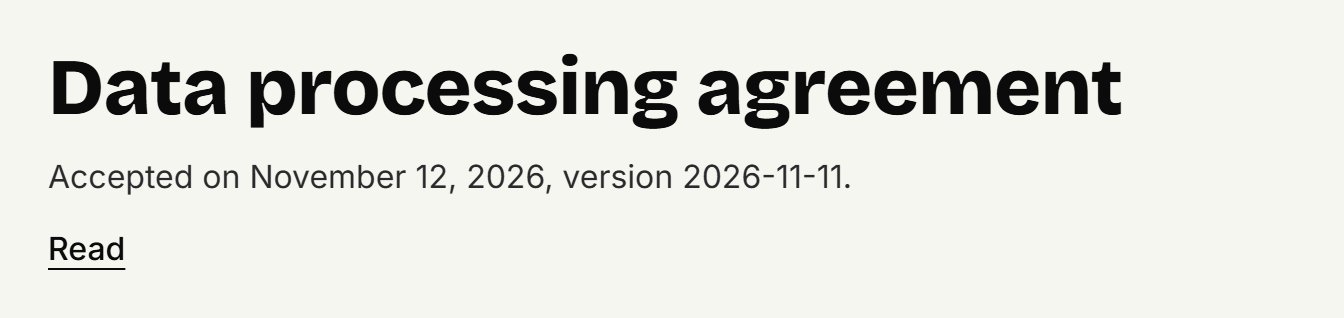
Click Read to read it.
When we change the agreement, you see a notice on Today. Read the new version and click Agree on behalf of my shop.
How long we keep data
We delete data by ourselves once its period is over; you don't have to do anything.
A customer, with notes: 2 years after their last appointment, or after being added if they never had one. A banned customer stays until you lift the ban.
The appointments themselves, with treatments and status: until the end of the seventh calendar year after the year of the appointment. The customer's details come off them sooner.
A barber who leaves: their email address and bio after 30 days. The name stays, for your agenda's history.
Time off: 1 year after it ended.
What we delete then stays in our database's backups for at most 7 more days.
Downloading everything of your shop
You download everything coupehub holds for your shop in one zip file: your customers, appointments, barbers, working hours, treatments, locations, gift cards and photos. The CSV files open in Excel. Opening hours and the online booking settings aren't included.
In the app: open More and, under Your data, tap Download everything. Save or send the file.
On the website: Your data is under Settings, at the bottom of the third tab. Click Download everything.
Only need the revenue or appointments of a period? Read Exporting.
A customer asks about their data
You see and change their name, number, email address and notes on their customer card. Deleting a customer completely isn't something you can do yourself yet: email us and we'll help.
Updated on November 11, 2026
Did this help?