
What customers book online lands in the agenda by itself. When someone calls, or walks in, you add the appointment yourself.
Steps
Open Agenda and go to the day.
Click a free slot in the barber's column, or New appointment.
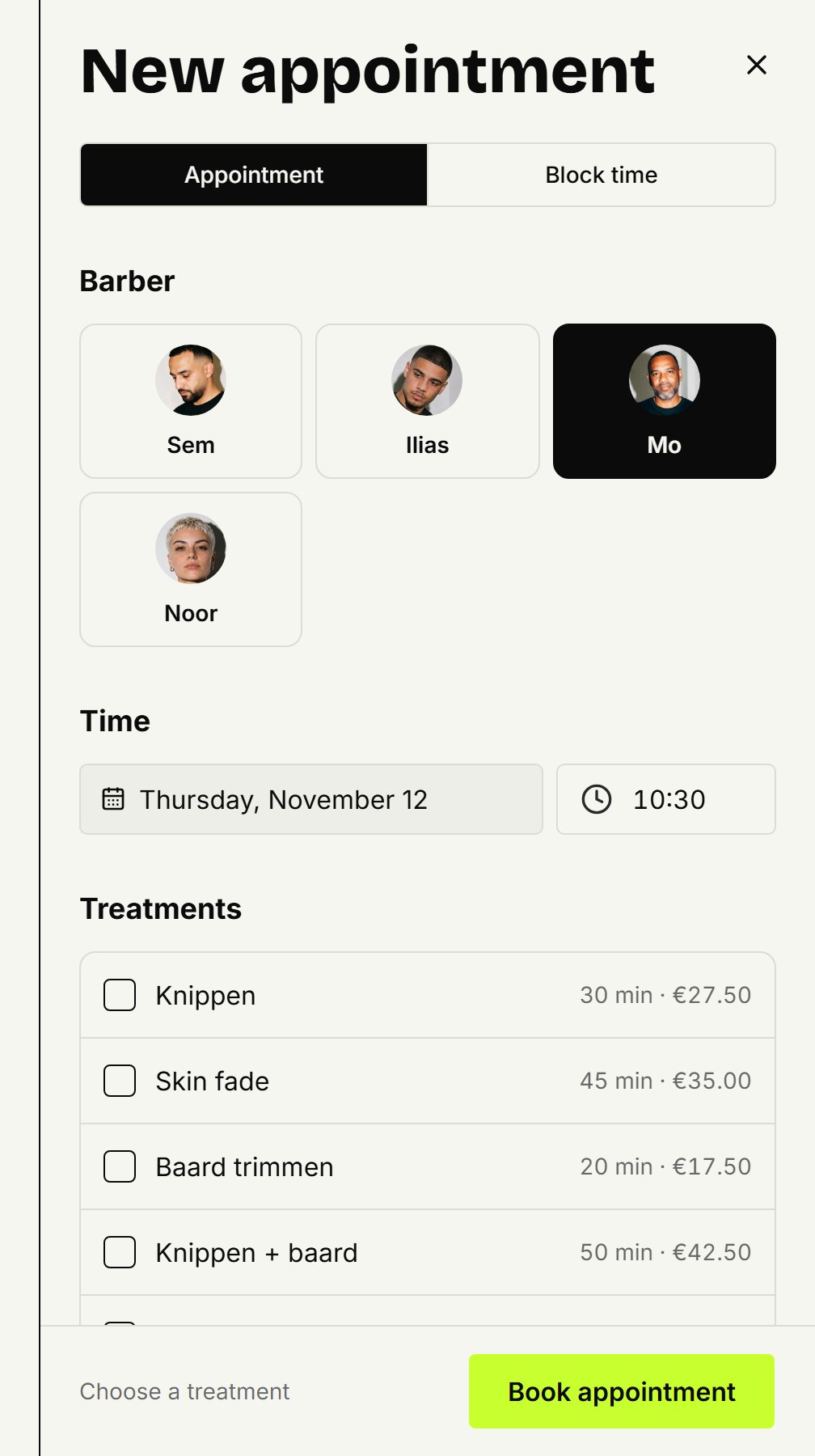
Pick the barber and the start time, if they aren't right yet.
Under Treatments, pick what the customer is having. Pick more than one and the appointment lasts as long as all of them together.
Under Customer, search by name or number, or choose New customer and fill in the name and mobile number.
Click Book appointment.
For today
Is the appointment for today? Then you don't need to open the agenda: on Today, click New appointment. The same panel opens there, on today.
A walk-in
Someone walks in and you'd rather not look them up? Under Customer, choose Walk-in without a name. The appointment then sits in the agenda without a name.
A regular, every few weeks
Under Repeat you add the same appointment for the coming weeks in one go. Recurring appointments explains how.
Updated on November 12, 2026
Did this help?