
When a customer picks a barber online, they see each barber's photo, name and a short text. You fill in your profile yourself, or the owner does it for you.
Steps
Open Profile.
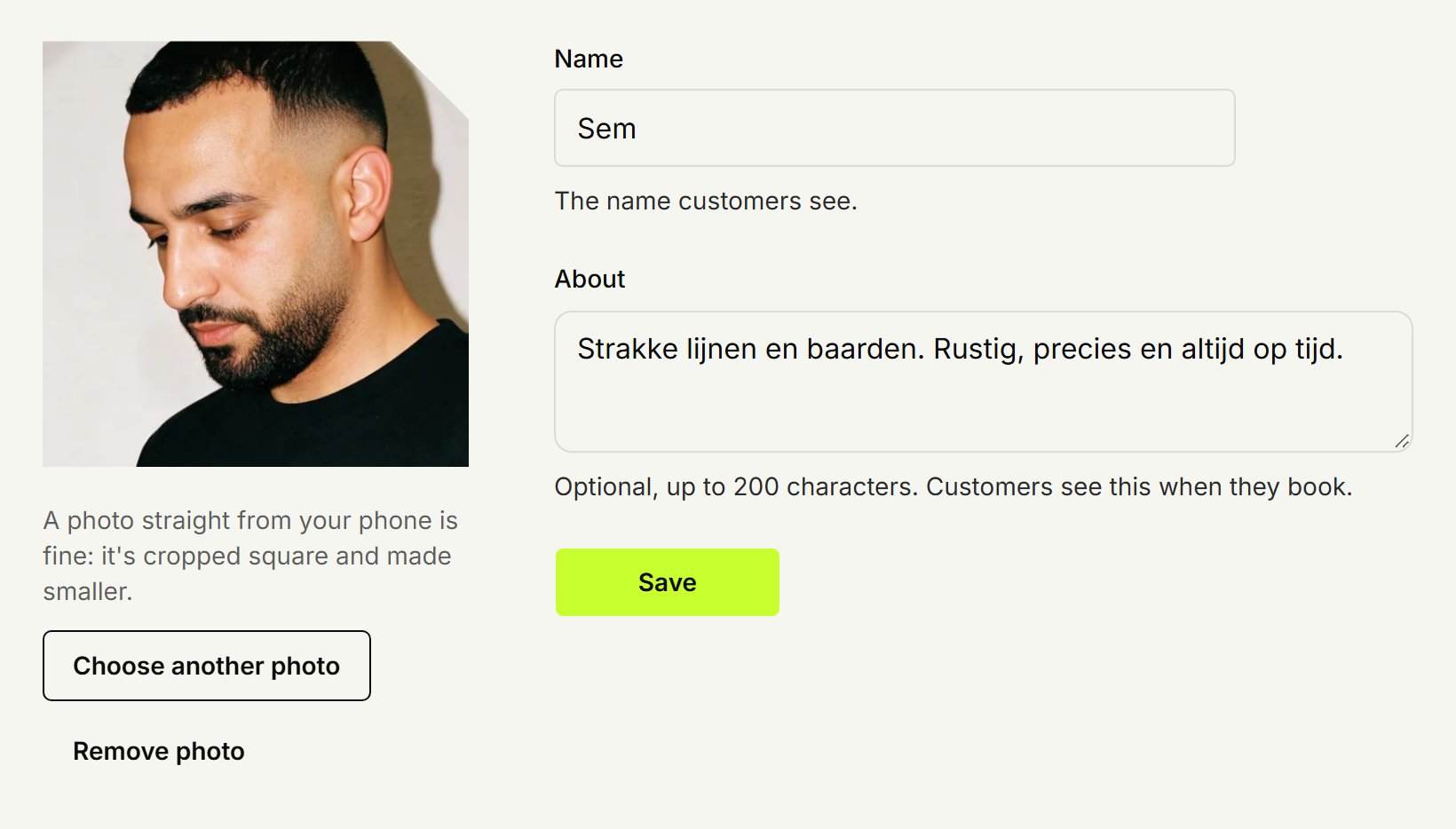
Click Choose photo and pick a photo. One straight from your phone is fine: it's cropped square and made smaller.
You see how the photo will look on your profile. Click Save photo.
Under Name, change the name customers see, if needed.
Under About, write something about yourself in up to 200 characters, such as what you're good at.
Click Save.
Keep the text short: the booking page shows its first two lines. If only one barber works at a location, the booking page skips the choice and the customer just sees your photo and name.
Another photo
Click Choose another photo for a new photo, or Remove photo to take it off.
As the owner
You can change every barber's profile, yours too if you cut: open Barbers and pick the barber. You land on Profile, with the same fields.
Updated on November 11, 2026
Did this help?