
Away for an afternoon, a day or a few weeks? Add it as time off in coupehub. Customers then can't book you online, and nobody can put an appointment with you in the agenda.
Steps
Open Time off and click Add time off.
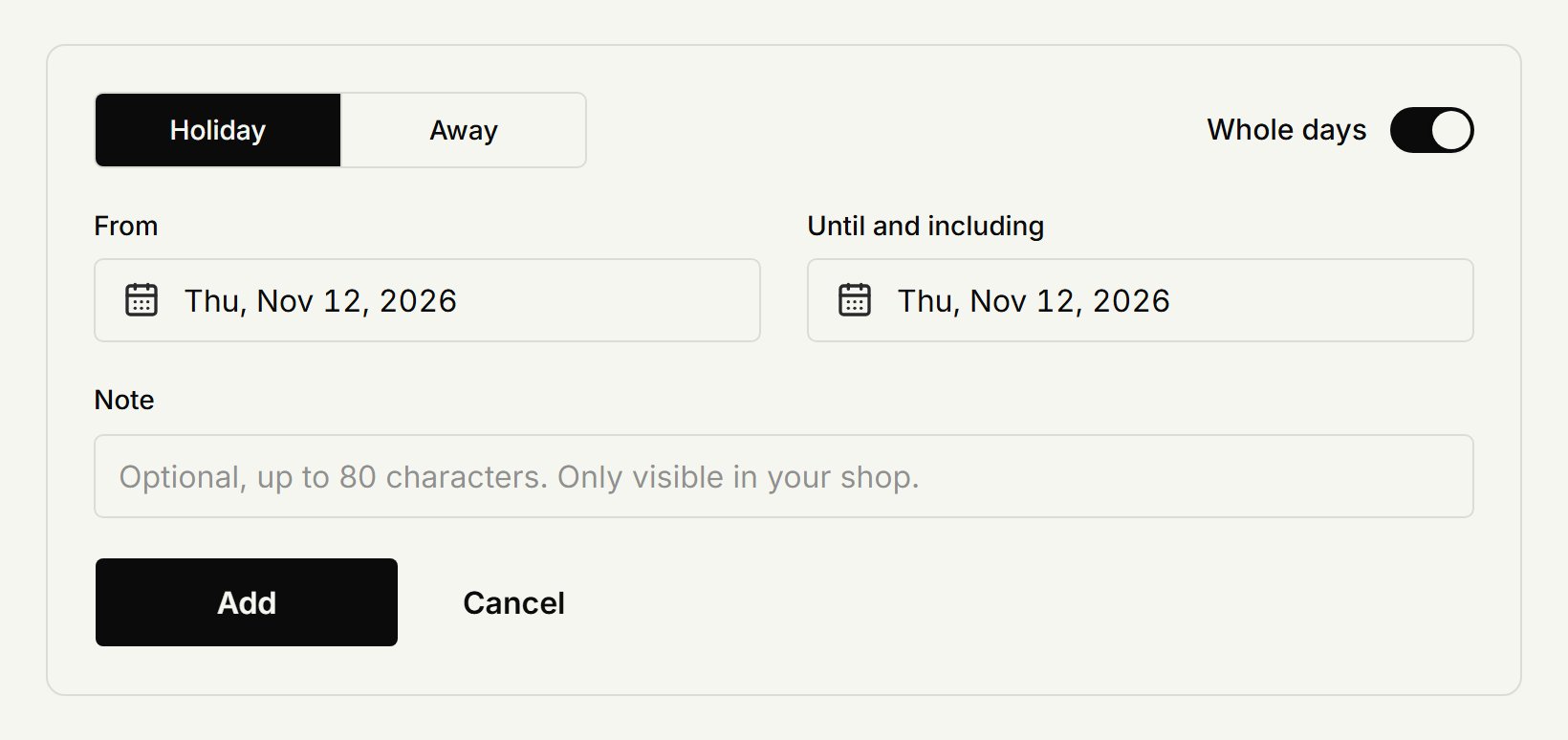
Choose Holiday or Away.
Leave Whole days on for whole days and pick the dates under From and Until and including. For part of a day, switch it off and pick the start and end time too.
Add a note if you like. Only your shop sees it.
Click Add.
The time off then shows in your column in the agenda. Under Planned you see what's coming up; Cancel time off takes it away again.
Appointments already booked
Time off doesn't cancel appointments. If something is already booked in that time, move or cancel it yourself, as in Moving, changing or cancelling an appointment.
As the owner
You plan time off for every barber, yourself included: open Barbers, pick the barber and open Time off. A barber only plans their own.
Breaks
A regular break, like lunch every day, is part of the working hours: the time between two periods on a day. The owner sets those, see Working hours.
For a one-off break on a single day, block the time in the agenda: click a free slot in your column and choose Block time.
Updated on November 11, 2026
Did this help?