
Your booking link is where customers book you themselves, without an account. The more places it's in, the more bookings you get.
Steps
Open Today. Your booking link is at the bottom.

Click Copy link. You can also use Copy booking link at the top of the page.
Paste the link in your Instagram bio, as the website in your Google Business Profile, or in your WhatsApp status.
View your page shows what customers see.
A link per channel
Under your booking link you find Where your bookings come from. There you copy a link of its own for each channel, such as Google and Instagram, and see how many online bookings each link brought in over the last 30 days. How to add it shows where to paste it for each channel.
A poster with a QR code
Click Print a poster.
Choose the Size, A4 or A3.
Click Print. Print it, or save it as a PDF in the window that opens.
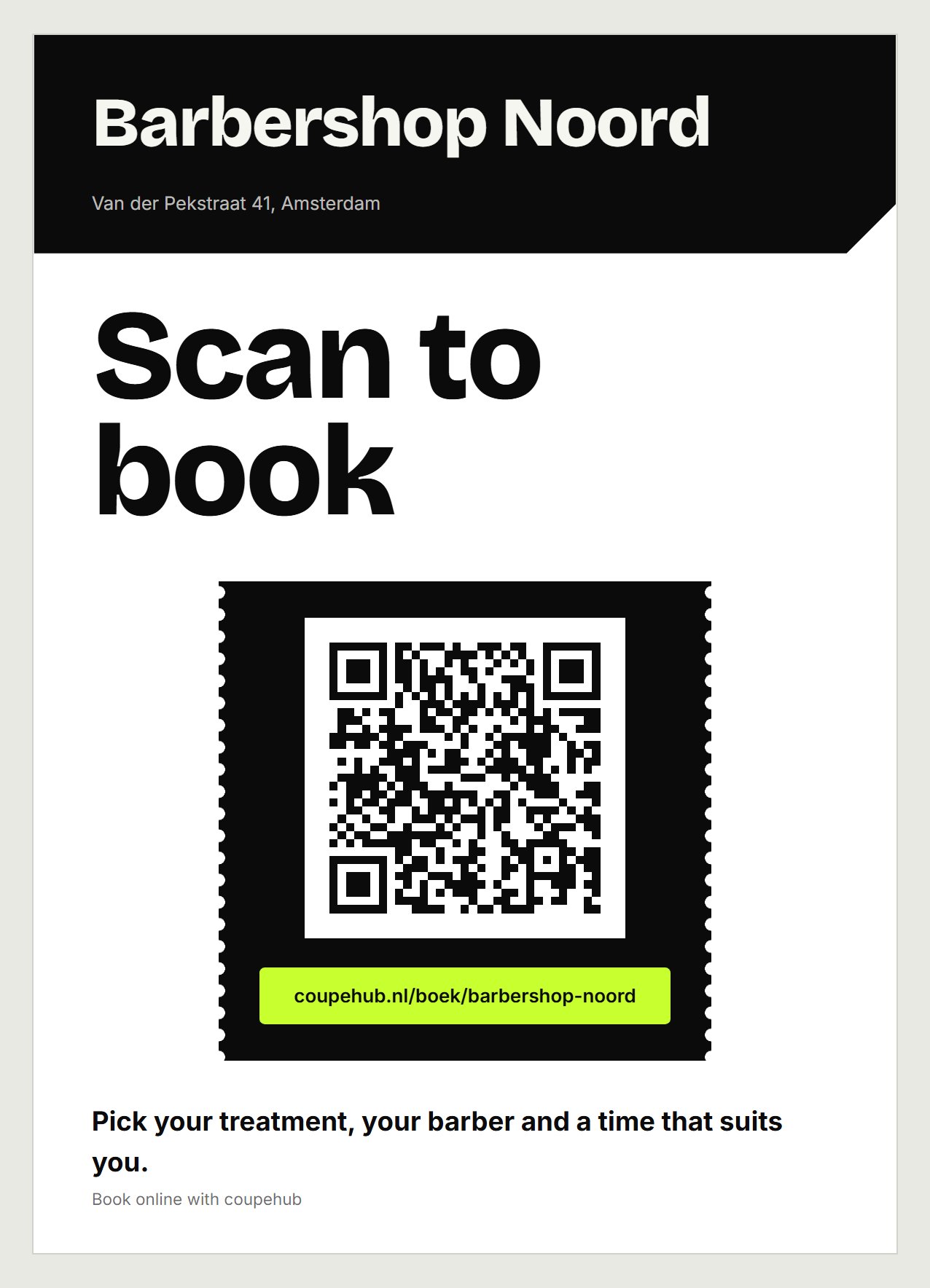
Hang it by the till or on the door. Customers scan the code and land on your booking page.
Several locations
With your shop's link, customers choose a location first. If you want a link to start at one location, copy it under Settings, Online booking, under Per location. See also Several locations.
Want customers to book on your own website? Read Booking on your own website.
Updated on November 15, 2026
Did this help?