
When you sell a gift card in the shop, you record it here. The card gets a code, and each visit takes something off its balance until it's used up or expires. The customer settles up in the shop; coupehub never takes the money.
Steps
Open Gift cards and click Issue gift card.
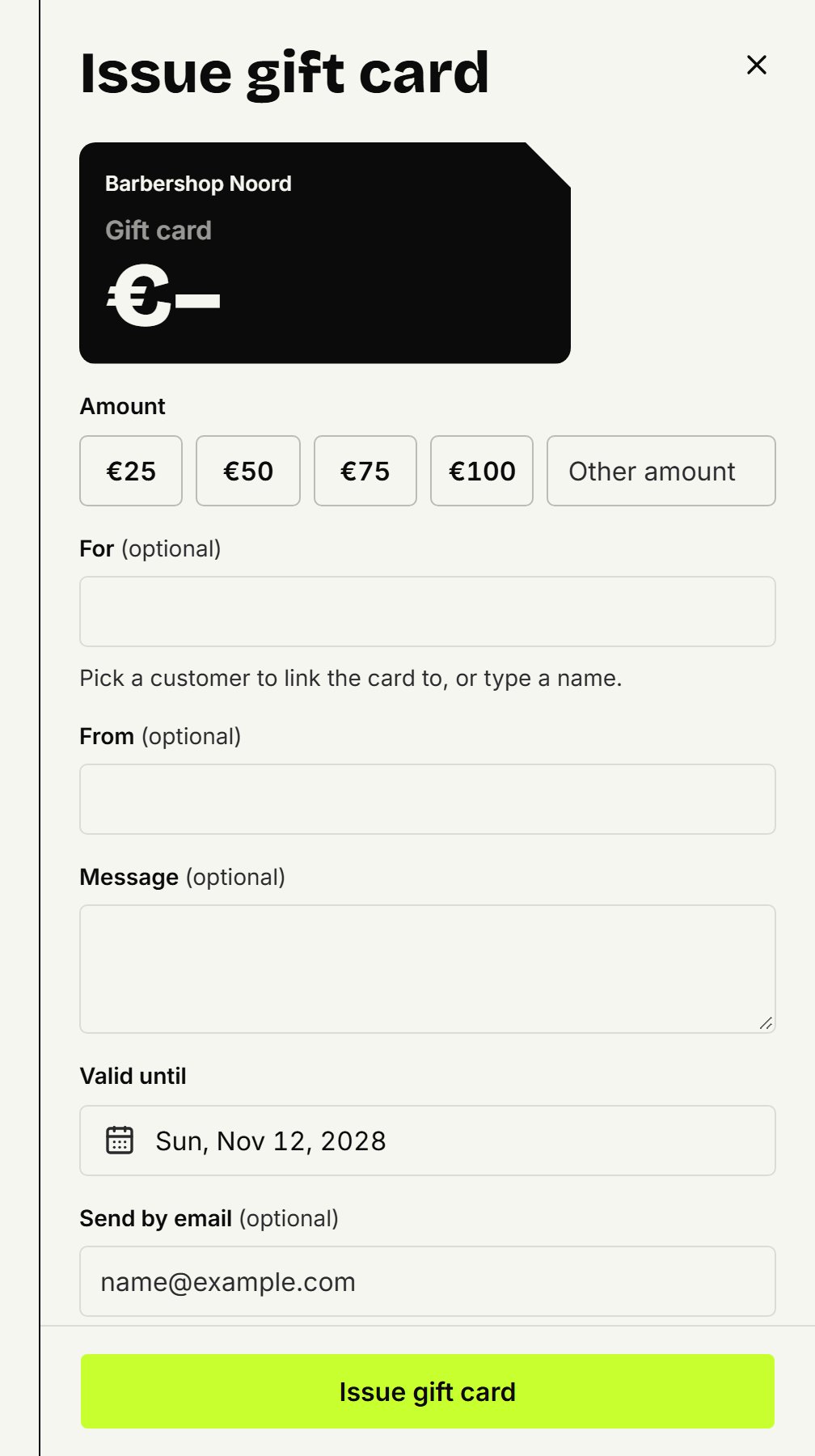
Under Amount, pick what the customer paid, or type another amount in whole euros.
If you like, fill in who the card is for and who it's from, and a Message. Pick a customer from the list under For and the card also shows on that customer.
Valid until is set to two years from today. Change it if you like.
Fill in an email address under Send by email if the card should be emailed.
Click Issue gift card, then Print.
The card fits on an A6 card, with your name, the code and a QR code to your booking page. You can print it again at any time; the email goes once, straight after issuing.
Redeeming at an appointment
Open the appointment in the agenda. If the customer has a card, or entered a code when booking online, it's already there and you redeem it in one click. Otherwise click Pay with a gift card, enter the code and click Find. The amount is what's still open, at most the balance; you can lower it. One appointment can be paid with more than one card.
Redeeming at the counter
On Gift cards, type the code under Redeem and click Search. Fill in the Amount for this visit and click Redeem.
Putting a mistake right
Only the owner can do this. Click Undo on a redemption to put the amount back on the card. If a card was issued by mistake, open it and click Void: its code stops working, and you can't undo that. Need a different amount? Void the card and issue a new one.
Updated on November 11, 2026
Did this help?