
Switching from another booking system, or keeping your customers in a list? You put them in coupehub in one go. Only the owner can import. Your customers don't get a message about it.
Steps
Save your customer list as a CSV file, for example in Excel or Google Sheets. Each customer needs a name and a mobile number; an email address and notes are optional.
Open Customers and click Import customers.
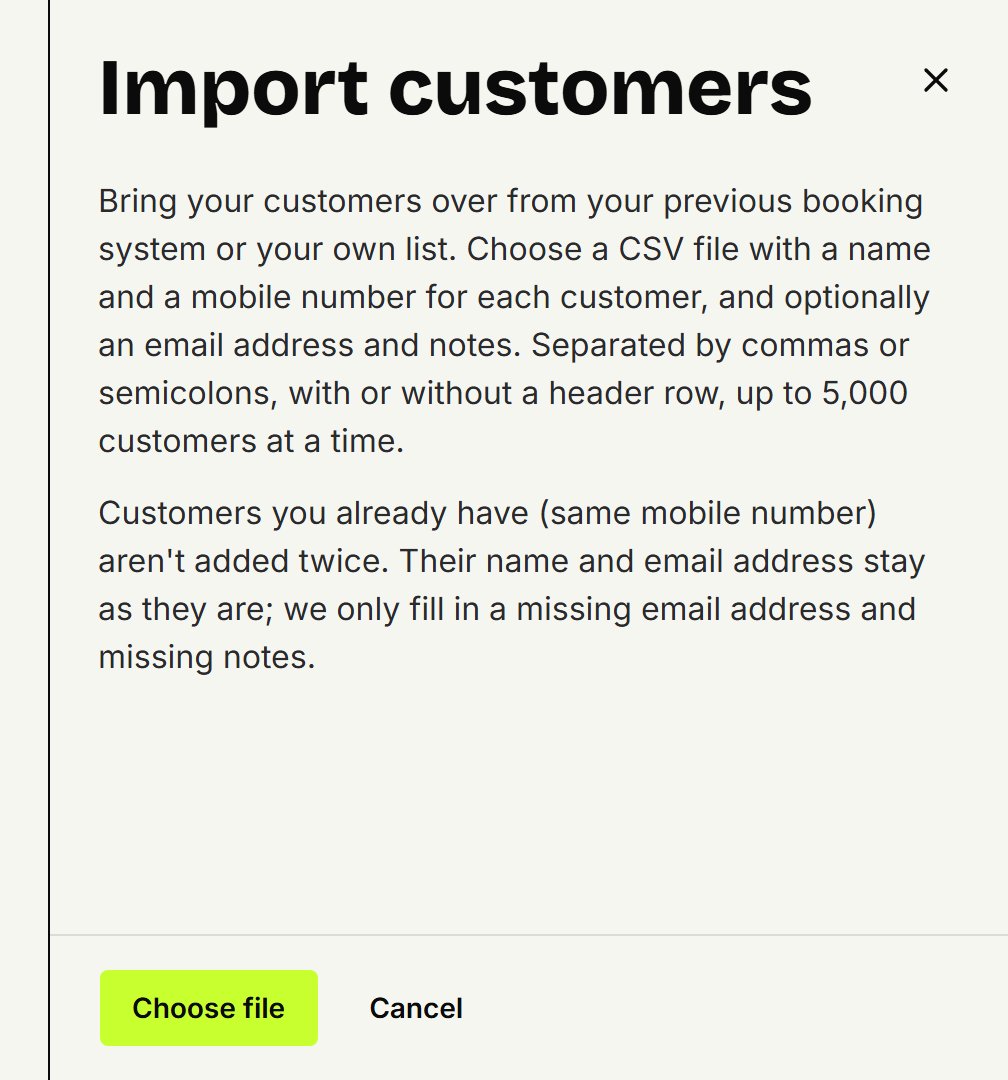
Click Choose file and pick the file.
You see how many customers will come in, what the first ones look like and which rows are skipped, with the reason and the row number. Not right? Choose Another file.
Click the button with the number of customers to import them.
You see how many customers are new, how many were completed and how many were already there. Click Done.
What the file looks like
Columns are separated by commas or semicolons, as Excel saves them. An Excel workbook (.xlsx) can't be read: save it as CSV first.
With a header row, the columns are recognised by their name, such as Name (or First name and Last name), Mobile or Phone, Email and Notes, in English, Dutch, French, Spanish or German. Without one, they're read in the order name, mobile number, email address, notes.
A number may be written the way your shop's country writes it, in the Netherlands with 06 or +31. If Excel dropped the 0, it's still read correctly. A number from another country starts with + or 00.
A landline from your shop's country is skipped, and a Dutch one always: a customer needs a mobile number.
If the file is too big, the panel says so. Split it up and import the parts one after another.
Customers you already have
A customer with the same mobile number isn't added twice. Their name and email address stay as they are; only a missing email address and missing notes are filled in. If a number is in the file twice, the first row counts. So importing a file again is safe.
Coming from Knipklok or SalonHub? Switching from Knipklok and Switching from SalonHub explain how to ask for your customer list.
Updated on November 16, 2026
Did this help?