
A customer books on your booking page in a few steps, without an account. The appointment shows up in your agenda straight away.
Steps
If you have more than one location, the customer first chooses where to go.
They choose a barber, or No preference. If only one barber can be booked at the location, the page skips this step.
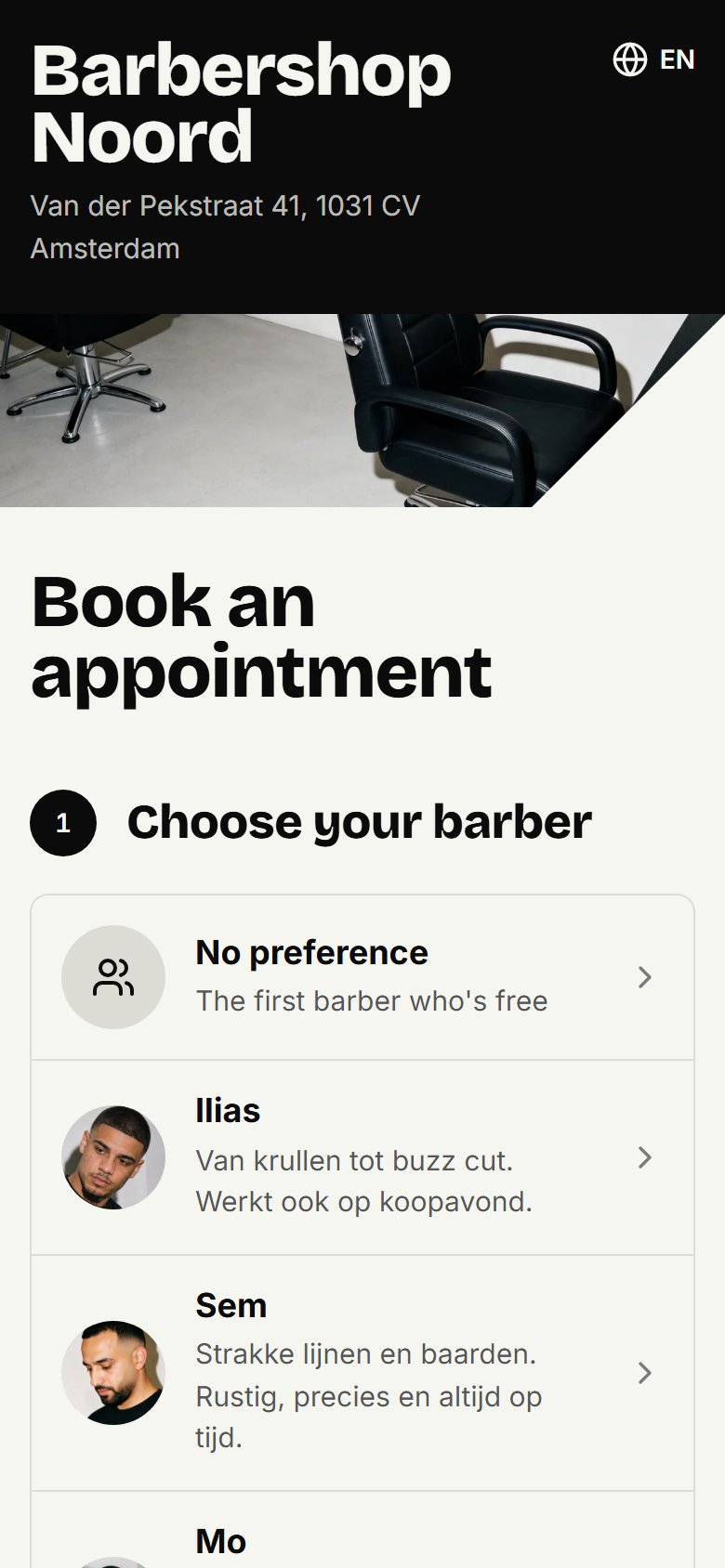
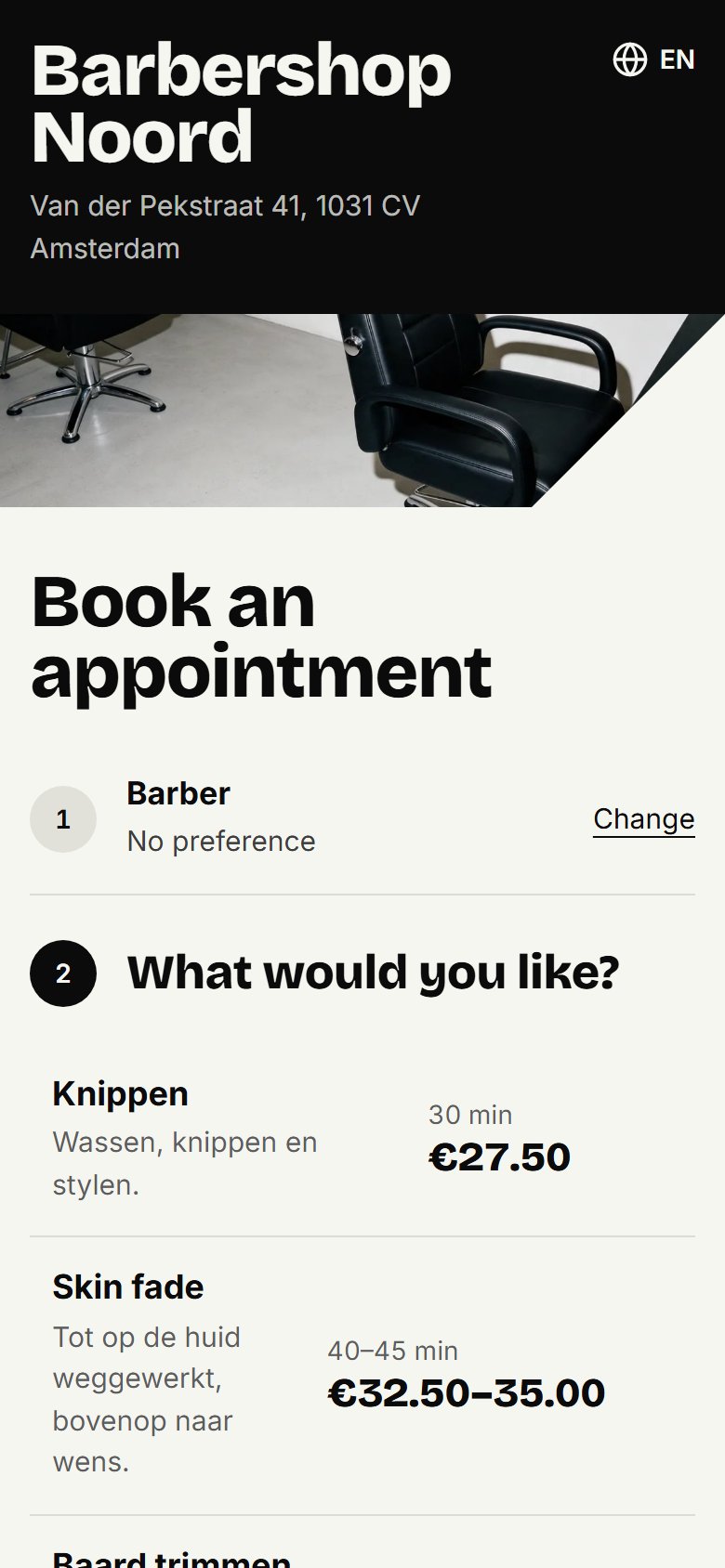
They tick what they'd like done and click Continue. They only see that barber's treatments, with price and duration, and can choose more than one.
They choose a day and a free time and click Continue. They only see times when you're open, the barber works and is still free, within your online booking rules.
They fill in their name and mobile number, and their email address if they like. Here they can also ask for a WhatsApp reminder.
They click Book appointment.
No preference
With No preference the customer sees every treatment someone at that location does, and the times of all barbers who do everything they chose. The appointment goes to a barber who is free at that time.
After booking
The customer sees a confirmation of their appointment straight away. If they gave an email address, they get it by email too. With the link in it, and in their reminder, they move or cancel it themselves, up to the time you chose in your rules. A cancelled time is free for others again straight away. Moving or cancelling an appointment shows how it works for the customer.
A taken time
If the customer chose a barber, they can join the waiting list for a taken time.
Updated on November 11, 2026
Did this help?