
With the coupehub plugin, booking itself sits on your WordPress website: customers pick a time there, without leaving your site. You only paste your booking link; no code needed. There is more about booking on your site under booking on your own website.
Steps
In WordPress, go to Plugins and choose Add Plugin.
Search for coupehub under Search Plugins. On the coupehub plugin, click Install Now and then Activate.
In coupehub, open Settings and choose Online booking. Under Your shop, click Copy.
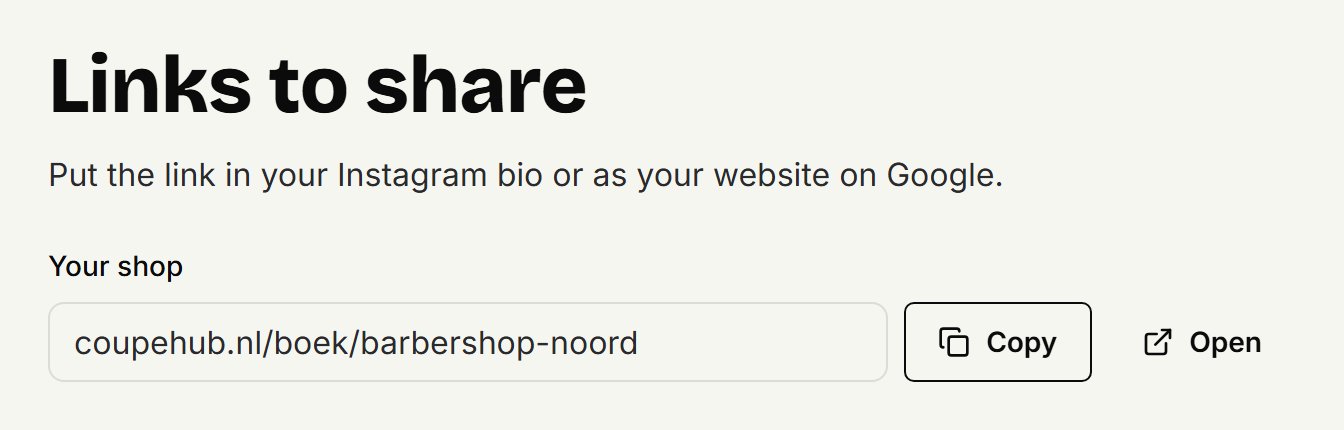
In WordPress, open the page where customers should book. At the top left, click the plus, search for coupehub and choose the coupehub booking block.
Paste your booking link into the block and click Embed. The block now shows the booking as your visitors will see it.
At the top right, click Publish, or Save if the page is already live.
Changing the block
To paste another link, click the pencil above the block, Change booking link. The block puts no link to coupehub on your site. If you'd like a small one under the booking, select the block and, on the right under Booking, turn on Show a link to coupehub under the booking.
With Elementor, Divi or the classic editor
If you work with a page builder or the classic editor, use the shortcode: [coupehub shop="your-shop"]. In place of your-shop, put the last part of your booking link, or the whole link. Paste the shortcode into a shortcode element or straight into the text. For the small link to coupehub under it, write [coupehub shop="your-shop" credit="yes"].
With your own domain
If your booking page is on your own domain, your shop isn't in your booking link, and the block says there's no coupehub booking link in it. In coupehub, go to Booking on your own website, click Copy code and paste the code into the block. The block finds your shop in it.
On a phone
On a laptop the booking is square, at most 640 pixels wide. On a phone it's as wide as your page and 560 pixels high, so each step fits. There's nothing to set. On a WordPress site in Dutch, French, Spanish or German the booking is in that language, on any other in English. Look at your page on your phone after publishing.
Doesn't it work?
If you don't see Plugins in WordPress, your account can't install plugins. Ask your site's administrator, or put a button on your page that goes to your booking link. See sharing your booking link for where to find it.
Updated on November 16, 2026
Did this help?